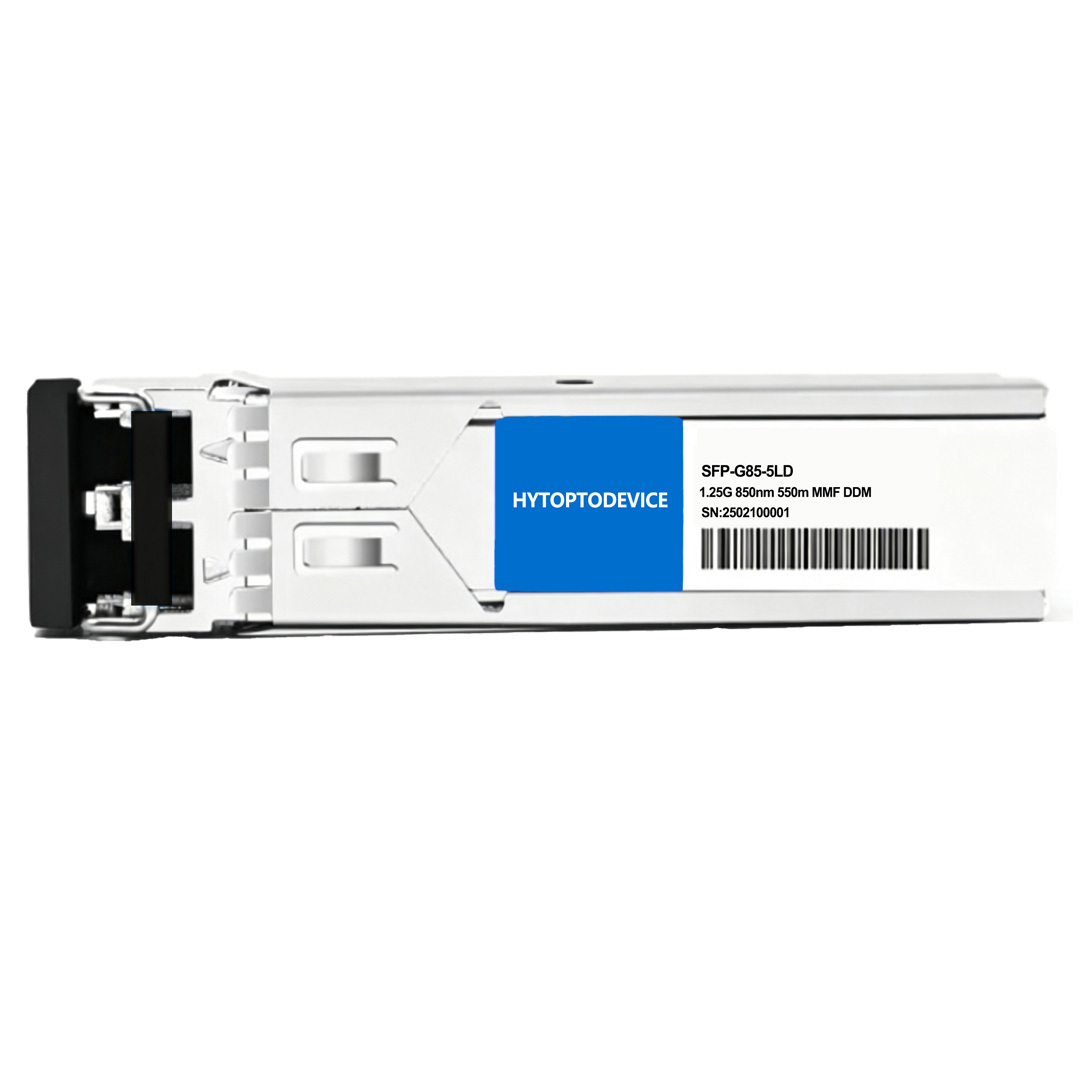
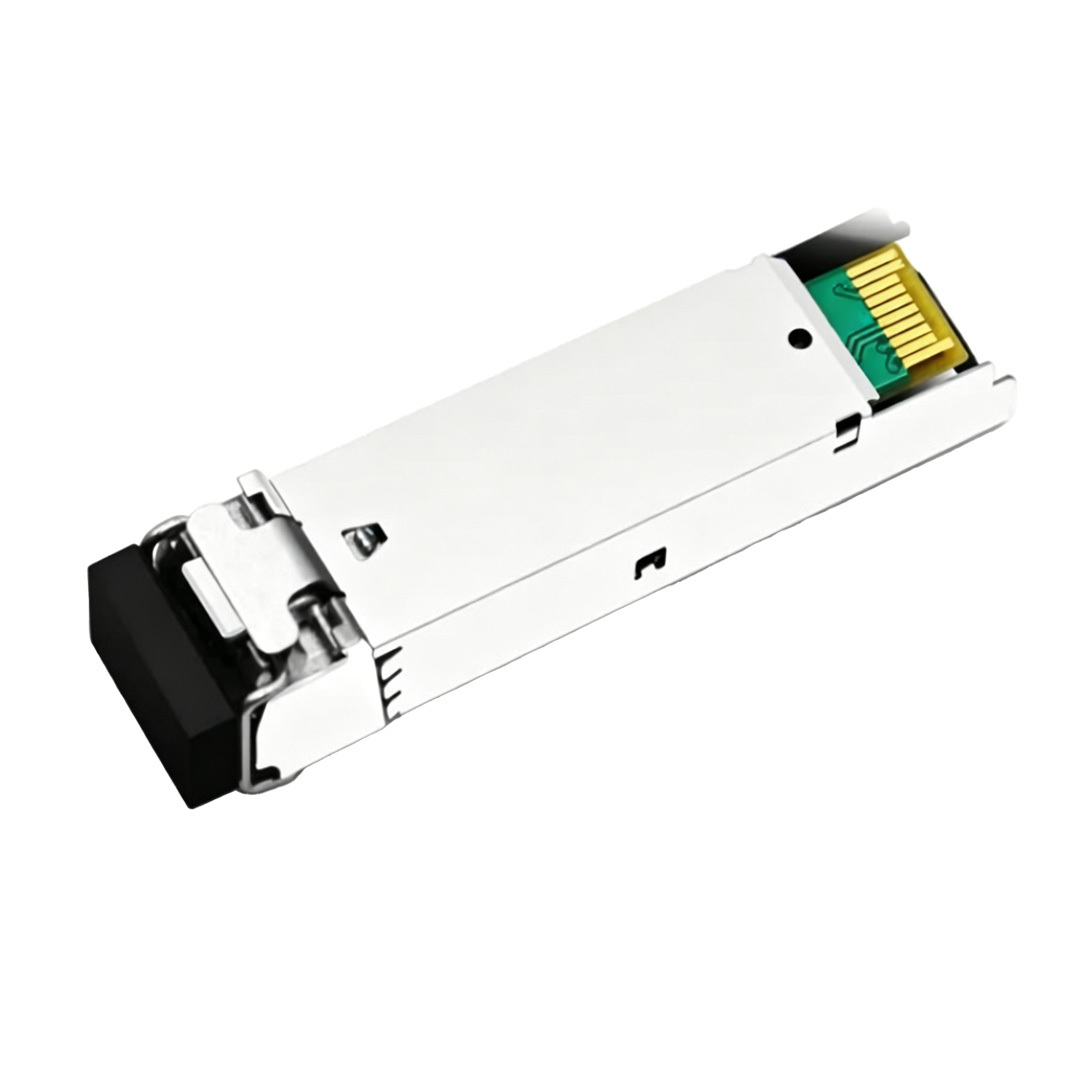
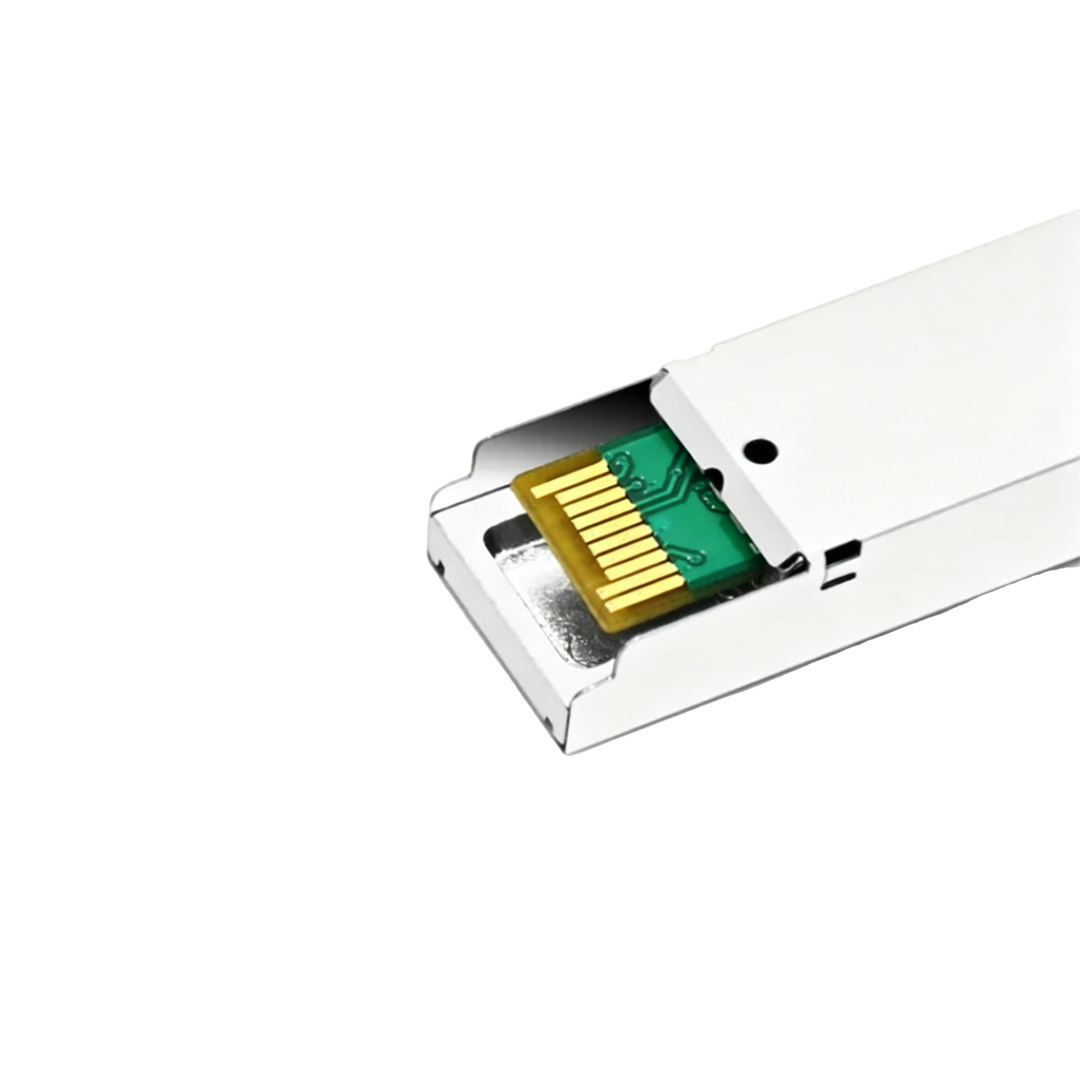
| NO. | Brand | Compatible P/N | Transceiver Type |
| 1 | Cisco | SFP-1G-SX | SFP-G31-10LD |
| 2 | Arista Networks | SFP-1G-SX | SFP-G31-40LD |
| 3 | Huawei | eSFP-GE-SX-MM850 | SFP-G55-80LD |
| 4 | Juniper | EX-SFP-1GE-SX | SFP-G55-100LD |
| 5 | Brocade | E1MG-SX-OM | SFP-G55-160LD |
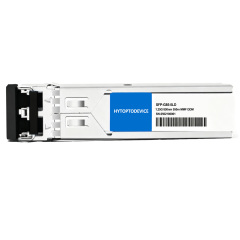
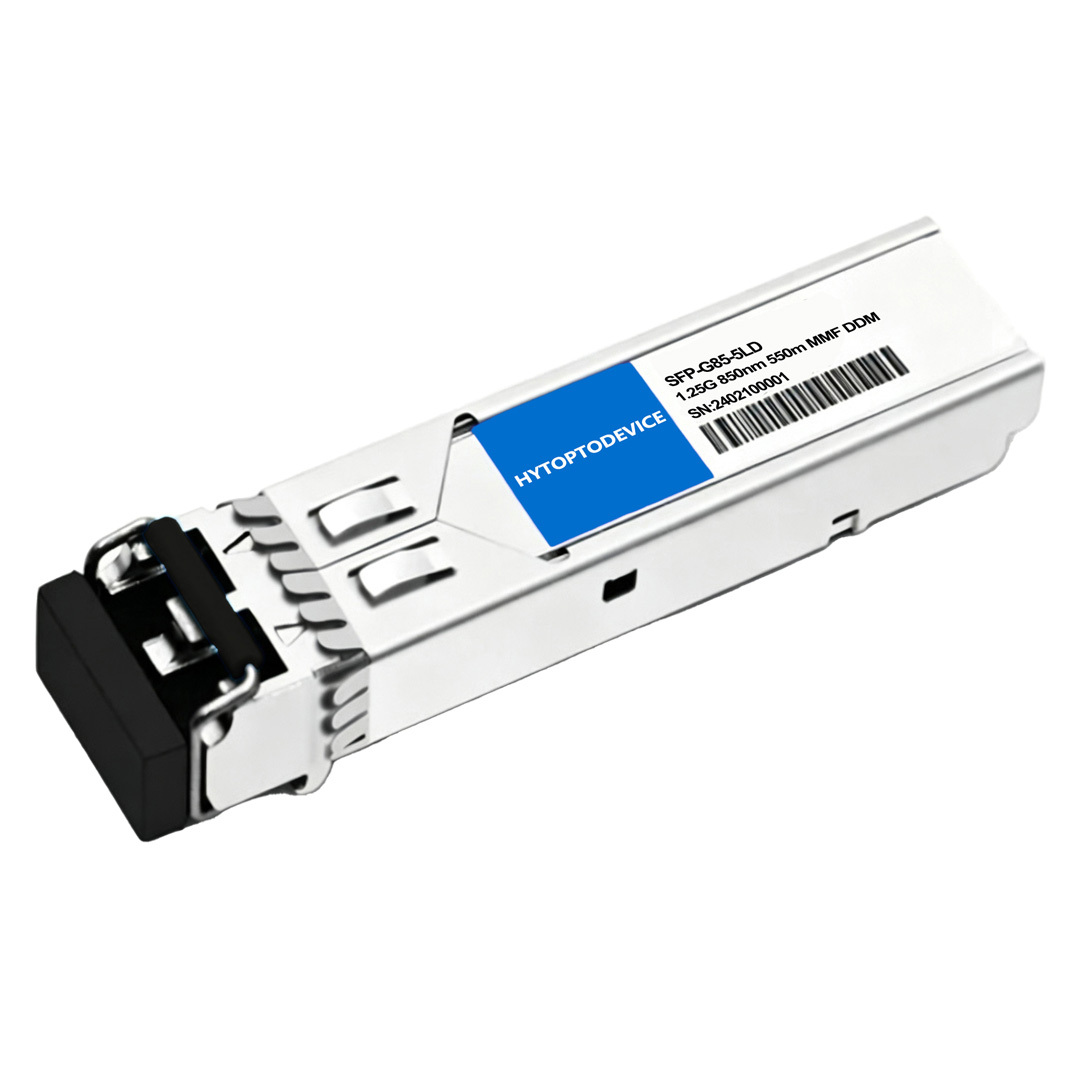
| Juniper Networks Compatible | EX-SFP-1GE-SX | Vendor Name | HYTOPTODEVICE |
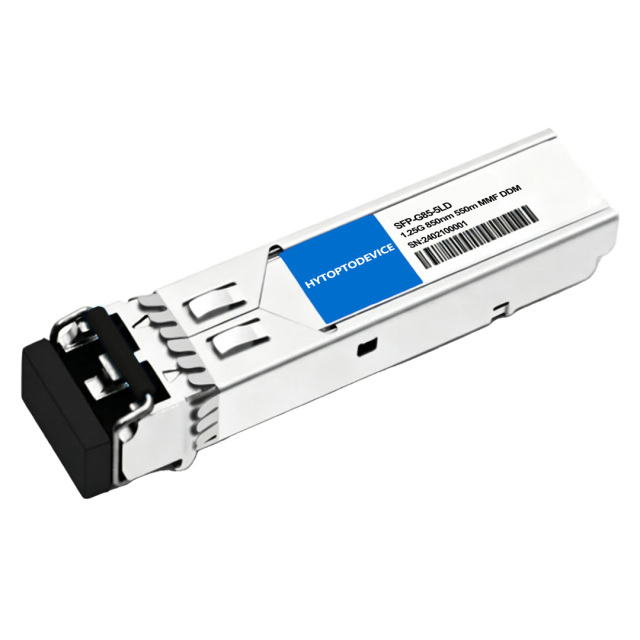
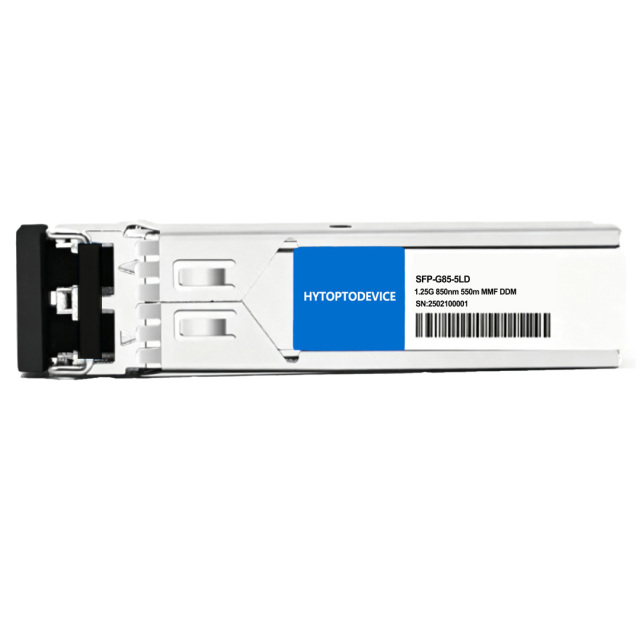
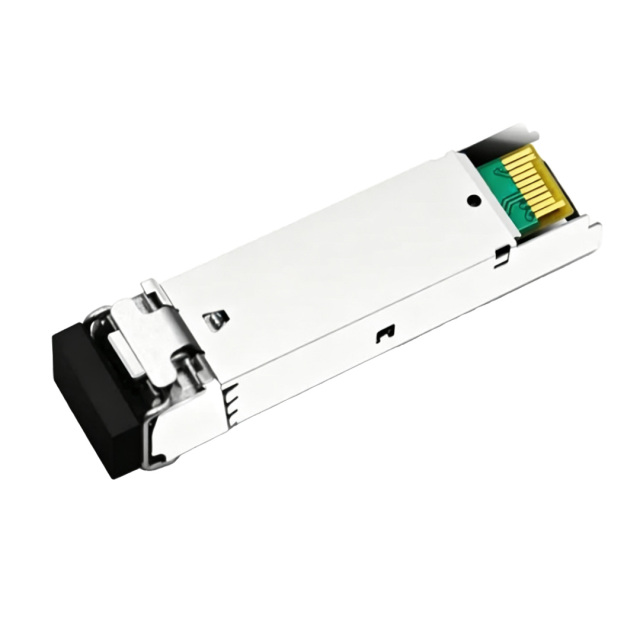
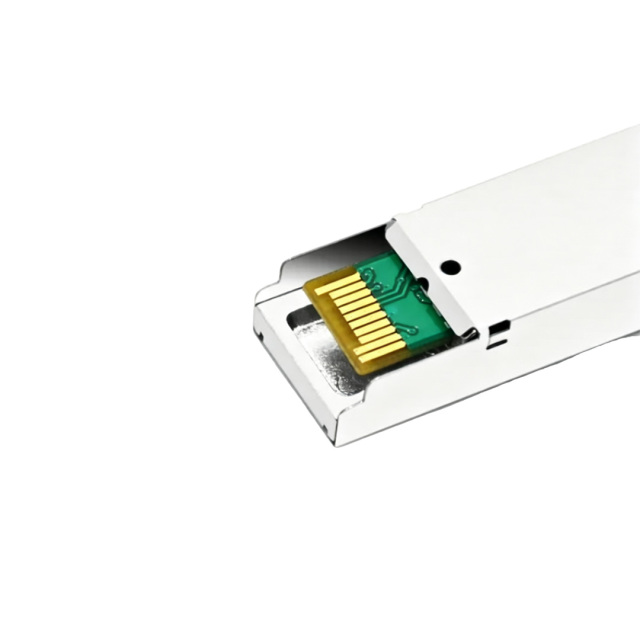
| Form Factor | SFP | Max Data Rate | 1.25Gbps |
| Wavelength | 850nm | Max Distance | 550m over OM2 MMF |
| Connector | Duplex LC | Transmitter Type | 850nm VCSEL |
| Cable Type | MMF | Receiver Type | PIN |
| TX Power | -9.0~-3dBm | Receiver Sensitivity | < -18.0dBm |
| Typical Power Consumption | ≤0.8W | Receiver Overload | -3dBm |
| Bit Error Ratio (BER) | 1E-12 | DDM/DOM | Supported |
| Protocols | SFF-8472 MSA Compliant, IEEE 802.3ah-2004 | Operation Temperature | 0°C to 70°C (32 to 158°F) |
Usage Guidelines & Best Practices
Fiber Choice: Duplex LC OM1/OM2/OM3/OM4 MMF (50 or 62.5/125 µm). Do NOT use SMF (OS1/OS2).
Connector Match: UPC/PC polish only. Do NOT use APC.
Cleanliness & Dust: Keep dust caps on whenever unattached. Clean fiber end-faces with a optical cleaning pen before insertion; dust causes over 80% of optical link failures.
Link Setup:Lock speed to 1.25Gbps (Full Duplex) manually if auto-negotiation fails.
Handling: Wear ESD protection. Keep fiber bend radius ≥ 30 mm.
Installation & Hot-Swap Rules:MSA hot-swappable. Insert/remove gently without powering down.
Environment:Commercial grade (0°C to 70°C). Avoid extreme heat, moisture, and dust.
Links to the Datasheet, User Guide and Compatibility Guides are available on the product page.
Full Compatibility List and Supported Devices
1. Supported Hardware & Firmware
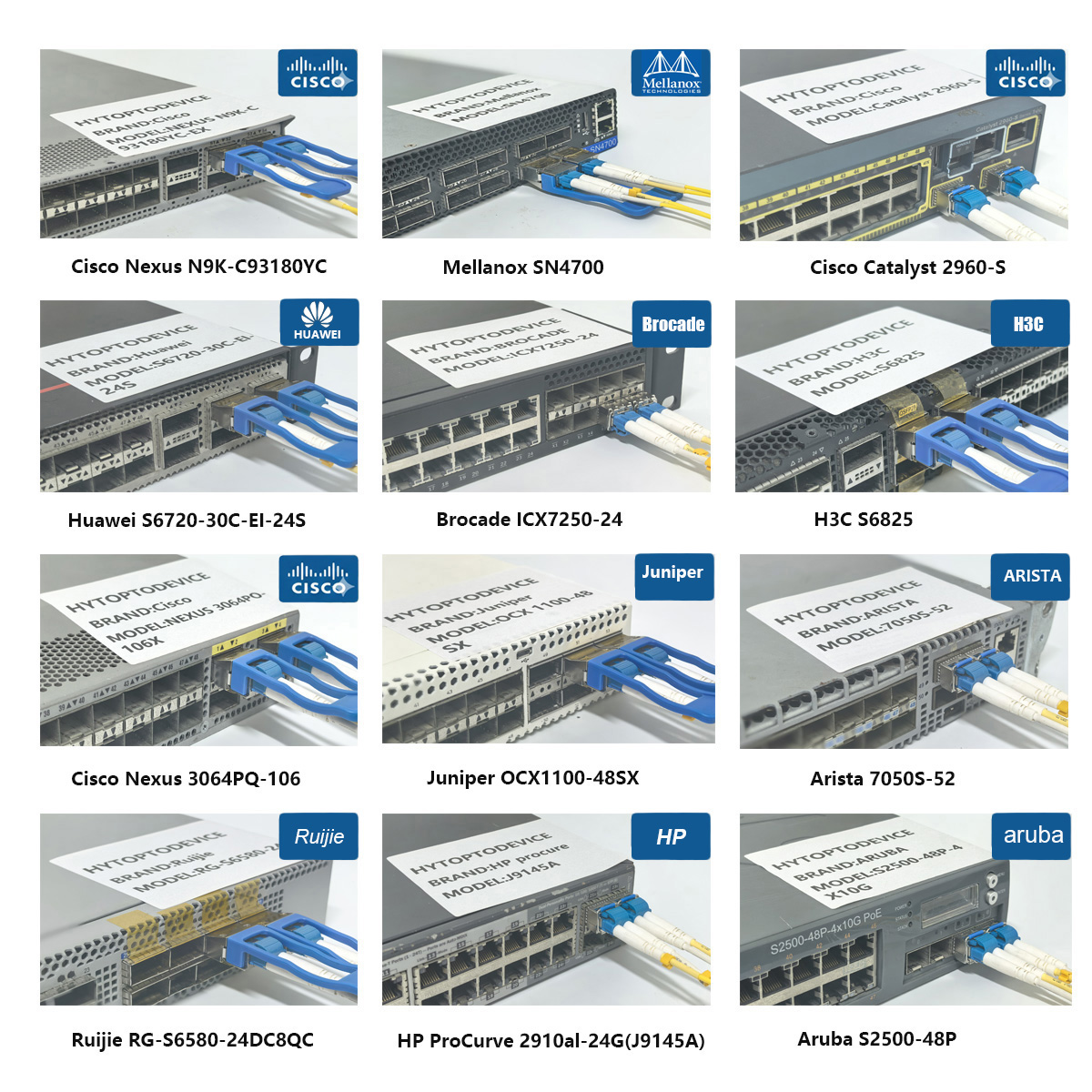
Juniper EX Series Enterprise Switches: EX2200-24T-4G, EX2300-48T, EX3300-48T, EX4200-48T, EX4300-24T, EX4600-40F
Juniper MX Series Universal Edge Routers: MX80, MX104, MX204, MX240, MX480, MX960 (via supported 1G legacy or multi-rate MIC/MPC line cards)
Juniper SRX Series Services Gateways: SRX300, SRX340, SRX550, SRX1500, SRX4100
Juniper ACX Series Universal Metro Routers: ACX1100, ACX2100, ACX2200
Main Application Scenarios
Enterprise Local Area Networks (LANs): Interconnecting high-density access layer switches to distribution switches across multi-floor office corporate spaces.
Intra-Data Center Leaf-Spine Links: Patching servers, storage network arrays, and network firewalls directly to adjacent top-of-rack (ToR) switches.
Campus Core Trunks: Serving as high-speed backbone links connecting adjacent buildings, engineering labs, or university server centers where fiber runs stay below 550 meters.
Security & Firewall Integration: Expanding local Gigabit Ethernet throughput links for enterprise security gateways and perimeter hardware.



Q1: What is the difference between EX-SFP-1GE-SX and EX-SFP-1GE-LX?
A: The SX module runs over multi-mode fiber at 850nm for short distances up to 550m. The LX module operates over single-mode fiber at 1310nm to cover longer distances up to 10km.
Q2: Can this 1G SFP module work inside a 10G SFP+ port on a Juniper EX switch?
A: Yes, most Juniper SFP+ slots accept 1G SFP modules. You may need to explicitly configure the speed on the port via: set interfaces xe-0/0/0 speed 1g.
Q3: What type of internal laser is built into the Juniper compatible EX-SFP-1GE-SX?
A: It features an 850nm Vertical-Cavity Surface-Emitting Laser (VCSEL) transmitter, offering stable transmission.
Q4: Will utilizing compatible transceivers void my original Juniper Care warranty?
A: No. Legally, Juniper cannot void your system hardware warranty simply for deploying compatible components under global consumer protection regulations.
Q5: Can I connect a Juniper EX-SFP-1GE-SX to a Cisco SFP-1G-SX at the opposite end?
A: Yes, absolutely. Inter-switch physical optical links are fully standardized by the IEEE. As long as both ends match in speed (1G), wavelength (850nm), and fiber type (MMF), they will link up perfectly.
Q6: What color coding does the latching bail of an SX module usually have?
A: Following industry standard color-coding rules, 850nm SX modules generally feature a black or beige extraction bail.
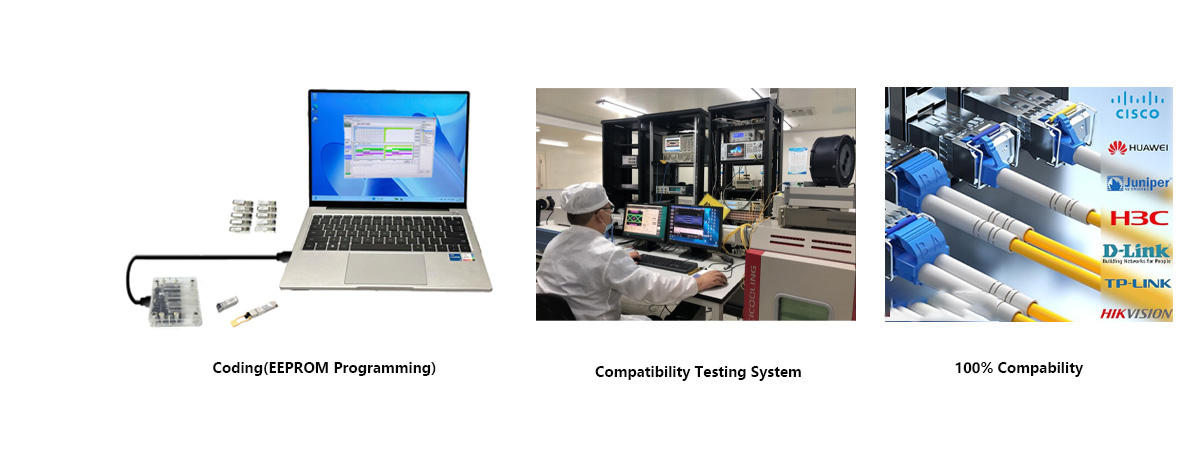
Q7: Will this 1.25G SX SFP transceiver module work with my Juniper switch? A: Yes, as long as it is coded with the correct Juniper vendor EEPROM firmware. HYTOPTODEVICE Juniper EX‑SFP‑1GE‑SX compatible transceiver module comes pre‑programmed for Juniper platforms; custom EEPROM for other brands is available.
Q8: Can I plug a 1.25G SFP transceiver module into a 10G SFP+ port? A: Yes, provided the 10G port supports dual speeds and is manually forced to 1G. HYTOPTODEVICE Juniper‑compatible transceiver module supports this mode on multi‑rate Juniper and third‑party switch platforms.
Q9: Is this Juniper‑compatible EX‑SFP‑1GE‑SX transceiver module MSA compliant? A: Yes. HYTOPTODEVICE Juniper EX‑SFP‑1GE‑SX compatible transceiver module strictly adheres to SFF‑8472 and SFP Multi‑Source Agreement standards for broad‑industry interoperability.
Q10: Can I use an 850nm SX transceiver module with Single‑Mode Fiber (SMF)? A: No. SX optics require Multimode Fiber (MMF). Use an LX transceiver module (1310nm) for SMF. HYTOPTODEVICE offers matching LX SFP parts for single‑mode gigabit links.
Q11: Will OM3 or OM4 fiber extend the range past 550 meters for this SFP transceiver module? A: No. The 850nm 1000BASE‑SX standard caps link distance at 550m regardless of higher‑grade fiber. HYTOPTODEVICE Juniper‑compatible transceiver module follows IEEE 802.3z distance limits.
Q12: Does this transceiver module support DDM / DOM (Digital Diagnostics Monitoring)? A: Yes, allowing real‑time monitoring of temperature, voltage, TX power, and RX power. HYTOPTODEVICE Juniper EX‑SFP‑1GE‑SX compatible transceiver module exposes DDM data via switch CLI and SNMP.
Q13: What is the typical optical transmit (TX) power for this Juniper compatible transceiver module? A: Range is typically between -9.5 dBm and -3 dBm. HYTOPTODEVICE Juniper‑compatible transceiver module is factory‑calibrated within this power window.
Q14: What if DDM reports RX power below -17 dBm on my SFP transceiver module? A: Clean LC connectors, check for fiber damage, and ensure bend radius limits aren't exceeded. HYTOPTODEVICE technical support assists troubleshooting low‑RX‑power issues for bulk orders.
Q15: Does TX/RX polarity matter on fiber patch cords for this transceiver module? A: Yes. TX on Module A must connect to RX on Module B, and vice versa. Reverse polarity will result in no link for HYTOPTODEVICE Juniper EX‑SFP‑1GE‑SX compatible transceiver module.
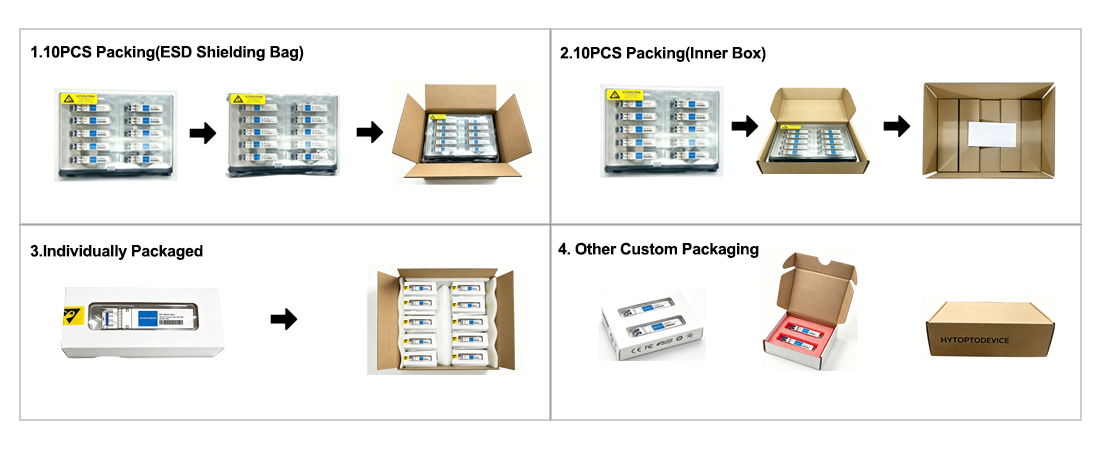
Why Network Engineers Choose HYTOPTODEVICE
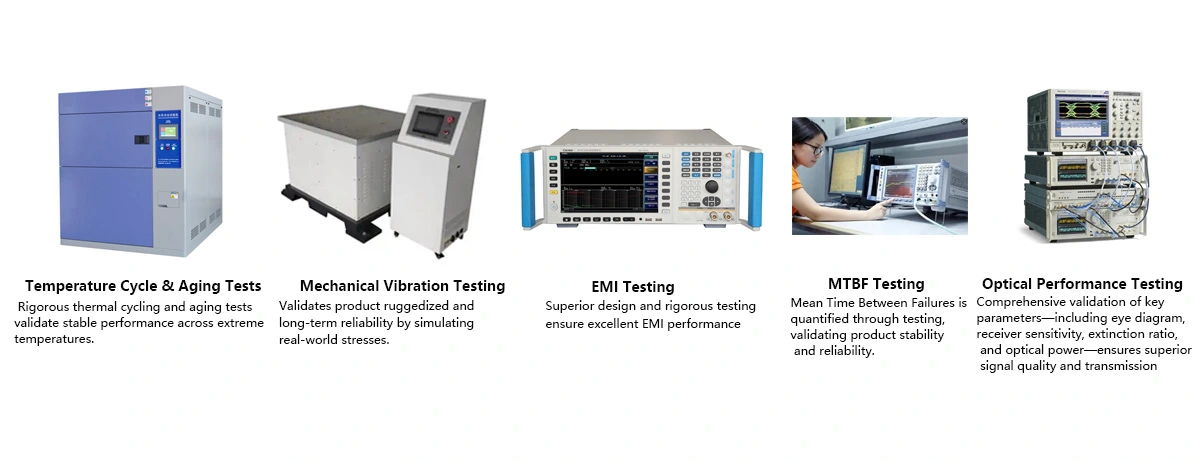
HYTOPTODEVICE has supplied over 5000,000 optical transceiver modules to data centers, ISPs, and enterprise networks across 100+ countries since 2011. Every module undergoes a 72-hour burn-in test and full DDM/DOM validation before shipment.
"We replaced 200 Cisco-branded SFPs with HYTOPTODEVICE equivalents across our spine layer — zero compatibility issues, 40% cost reduction."— Network Architect, Tier-2 ISP, Germany
Quality Certification & Compliance
At HYTOPTODEVICE, our quality commitment is backed by industry-standard validations. From fiber optical transceiver manufacturing to final inspection, our processes ensure global compliance and reliability.
We adhere to rigorous standards for our SFP modules and network solutions:
ISO 9001: Certified quality management and production consistency.
CE & FCC: Fully compliant for seamless Global Market Access.
RoHS: Committed to environmental responsibility and hazardous material control.
Proven Reliability: Rigorous testing to reduce compliance risk and ensure safety.
Certified Quality. Global Standards. Guaranteed Performance.